

SKU: CS-SSRC-IRC smartcloudraker
Trust
Icon

● IR Control Devices: TV, STB(Set-Top-Box), TV Box, Air Conditioner, Fan, Light, Audio, Projector, DVD, Camera, Heater, Purifier, etc
● RF(433/315MHz) Control Devices: Curtains, Roller Shutters, Window Pusher, Hanger, Projection Screen, Garage Door, Retractable Door, RF Switch, etc.
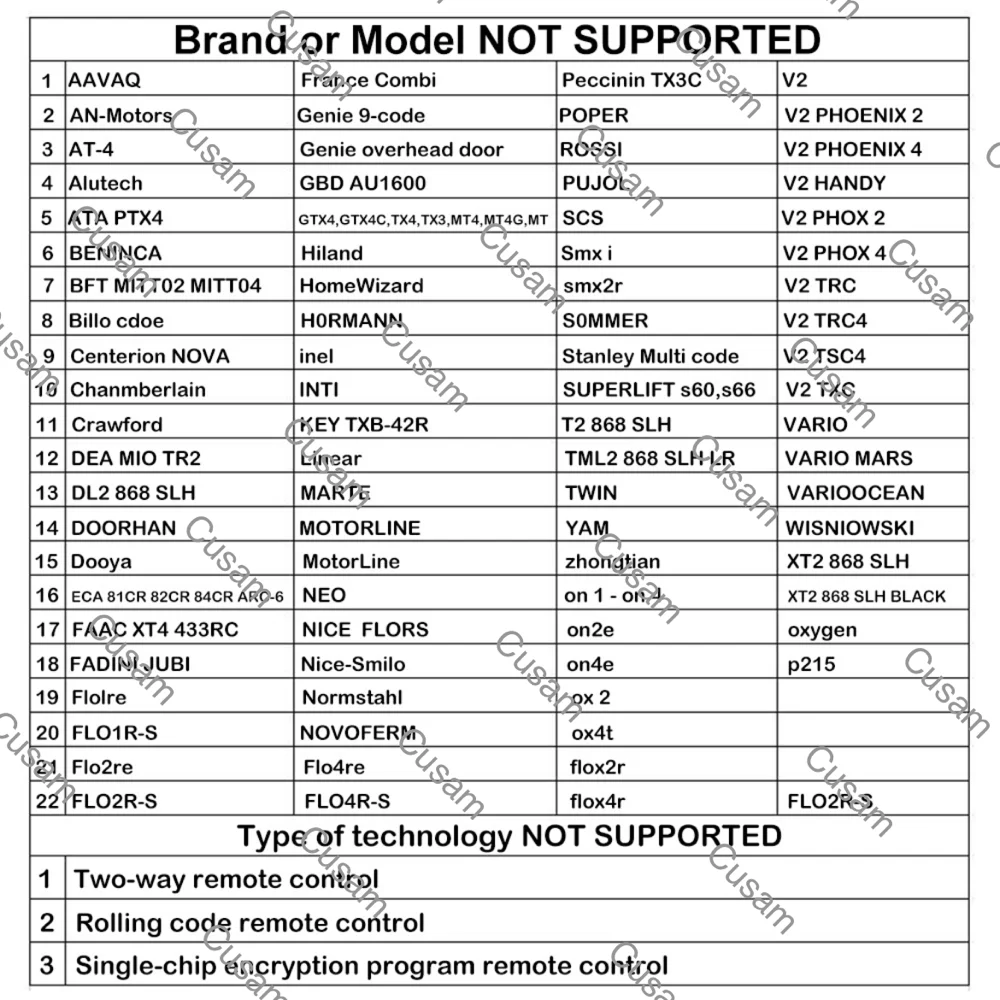
※ Compatible with RF 433/315MHz fixed code and learning code, not compatible with rolling code and encryption code.


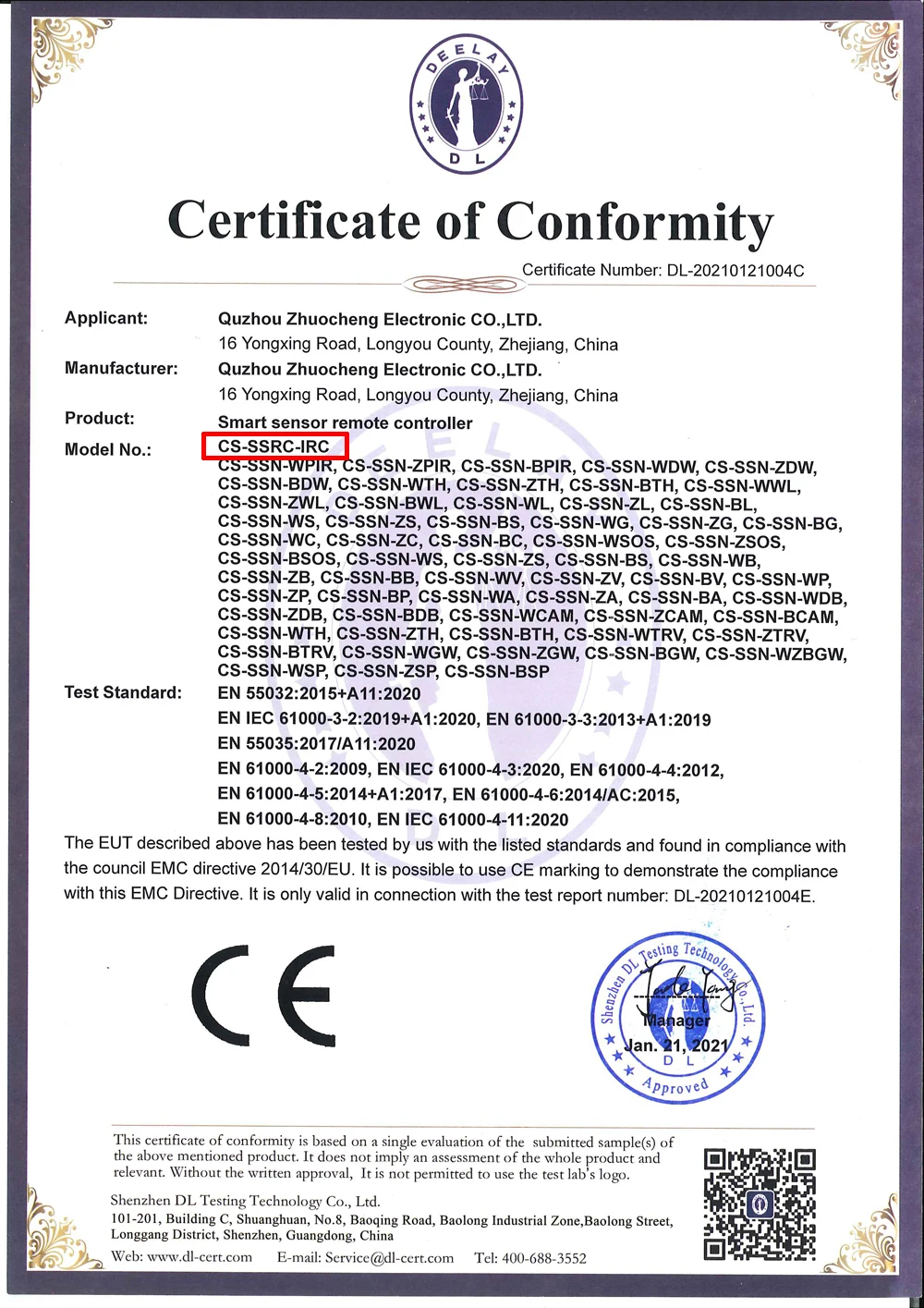
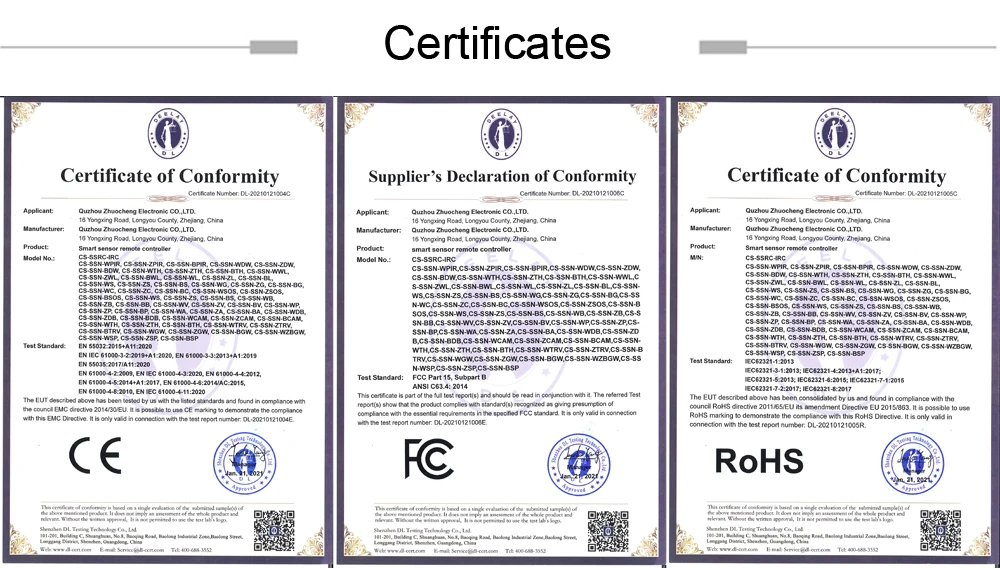
CS-SSRC-IRC Smart remote control had been verified by CE/FCC/RoHS, CE Certificate Number: DL-20210121004C. If you need the CE/FCC/RoHS Test report,Declarations of conformity Technical descriptions or other information, please contact us.
Support 4000+ brands, 50000+ IR/RF Code on cloud, supported devices library is constantly being updated every week.


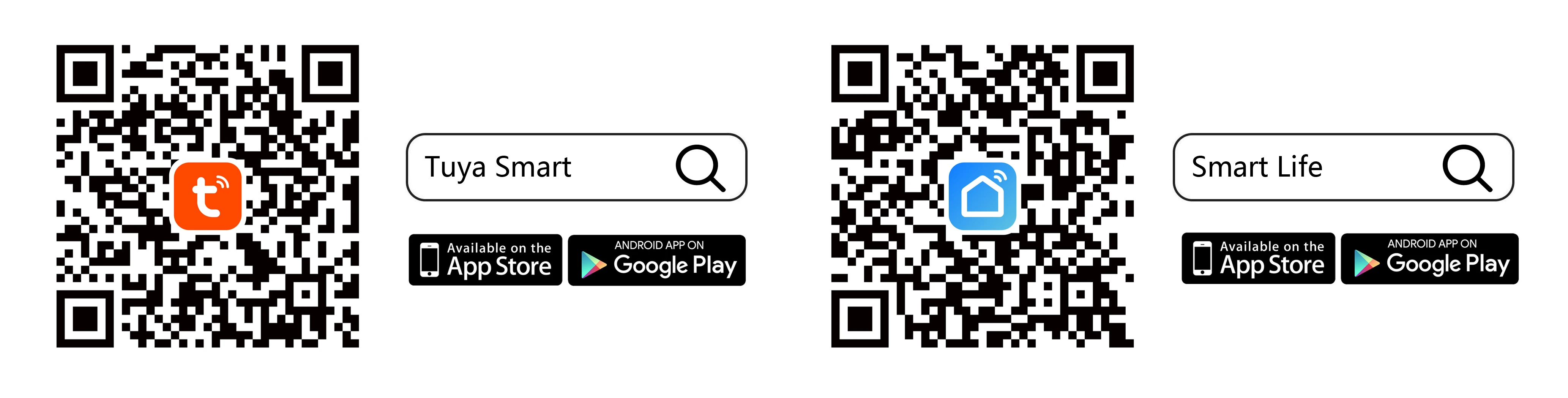
Remote Control your home appliances by using "Tuya Smart" or "Smart Life" App. For example, turn on your air conditioner, no matter where you are. -Support 99% air conditioner in the market, automatic cloud match, easy to set up. -Turn on AC in advance, enjoying the comfortable temperature once you get home.


By connecting App to Amazon Echo, Google Home, you are able to voice control your home appliances. For example: -Alexa, turn on the TV; -OK Google, set air conditioning temperature to 25 degrees.


Never miss one second of excellent match -Stay up late for the match,but always oversleep? -The smart remote control helps you turn on TV at right time and right channel. Enjoy your match!


-If your device type or brand is not in the list or no match in database after all attempts, you may use "DIY" function to learn(copy) the IR/RF signal from the original remote control.


Control the IR home appliances within 8m in one room, control the RF home appliances within 20m, can be used in most of living rooms and bedrooms. * Friendly Reminder: IR signal can't pass through wall and most of obstacles, so please keep the smart remote control and your devices in the same room, their linear distance should be no more than 8m, and not blocked by other objects.

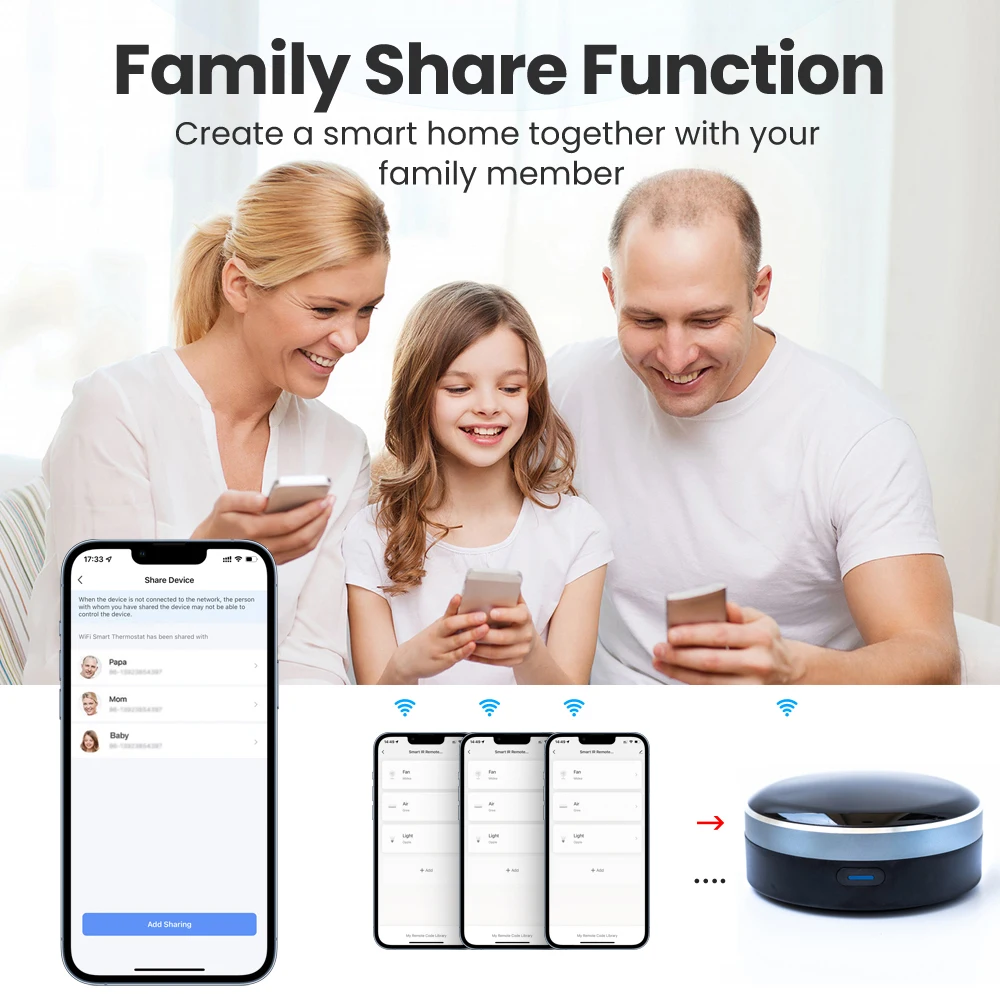
Control the IR/RF home appliances with your family together. Have fun to enjoy smart life.
* A scenario(Tap-to-Run) consists of 1 or more actions. You may control multiple devices with one tap;
* By creating "Automation" in App and interworking with other Tuya smart home devices, the universal remote control is able to execute actions automatically according to conditions, such as device status, weather and time. Please note: The door sensor,temperature sensor and motion sensor are not included in the package.


Multi-directional launch, guarantee that every order will be served quickly and accurately.


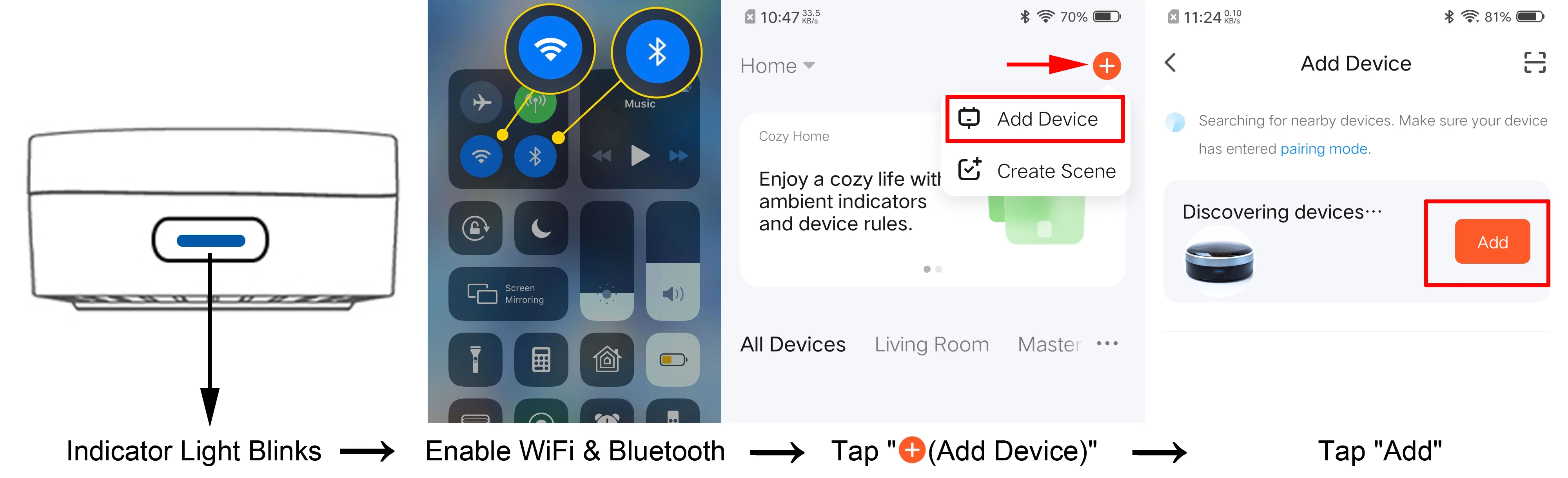
Confirm the indicator is blinking, enable cellphone Wi-Fi(2.4GHz) and Bluetooth, open App and wait for several seconds, App will pop-up a dialog box, then tap "Add" icon to finish. If the dialog box doesn't show up, please tap "+(Add Device)" at the top right corner, then tap "Add".
→Open Tuya Smart App, tap "+"(Create Scene) at the top right corner, choose "Tap-to-Run" → Add task(choose "Run the device") → Choose the device that you want to control → Select Function and then tap "Next" → tap "Save", then a "Tap-to-Run" is created successfully. Then tap "Add to Siri", in the "Siri Shortcut", choose the scene(Tap-To-Run) to add it. Next input a custom phrase and tap "Add to Siri", then setup is done. Every time when you say this phrase to Siri, Siri will tell Tuya Smart App to run this shortcut to control the device.